Multiple project folders
Scan multiple project folders instead of a single library.
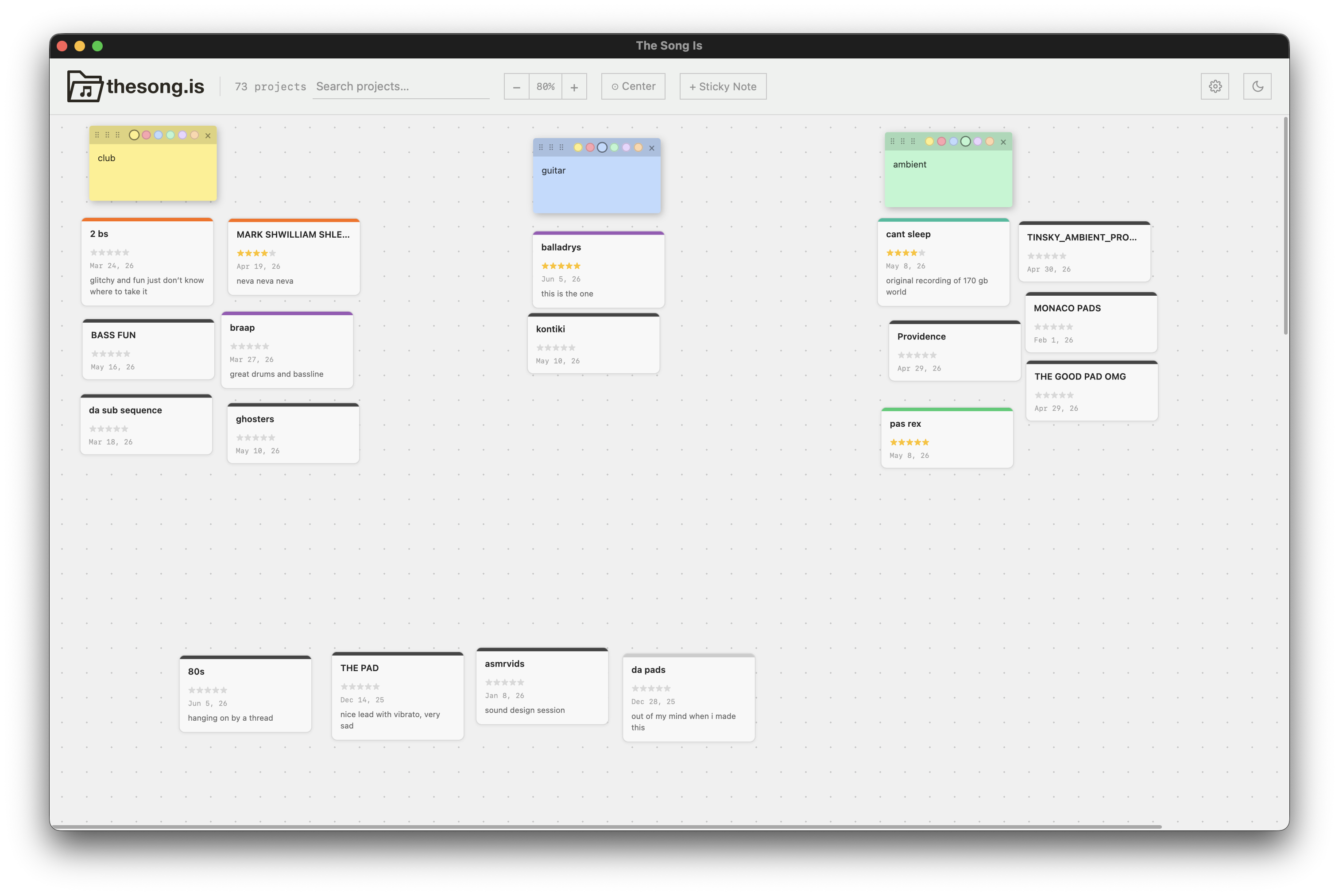
A visual project browser for music producers. Organize projects on a freeform pin-up board or move them through custom Kanban columns across 19 supported DAW formats.
Full disclosure: This is free, open-source, vibe-coded software and remains experimental. It hasn't been tested across every DAW, operating system, or computer. The app indexes project metadata and only references any audio previews you assign. It does not delete, move, rename, copy or modify your project or audio files.
Scan multiple project folders instead of a single library.
FL Studio zipped projects are now detected and can be opened directly.
Project cards show both creation and last-modified dates.
Choose European (DD.MM.YYYY) or American (MM/DD/YYYY) date formatting.
Manually assign WAV, MP3, M4A or AAC audio previews to projects.
Drop audio directly onto project cards or browse from the project folder.
Play previews directly from Pin-up and Kanban cards.
Control preview volume or mute all preview audio.
Audio files are only referenced. The app never changes, copies or deletes them.
First-time users get a simple visual choice between Pin-up and Kanban. Switch at any time. Each mode keeps its own organization.
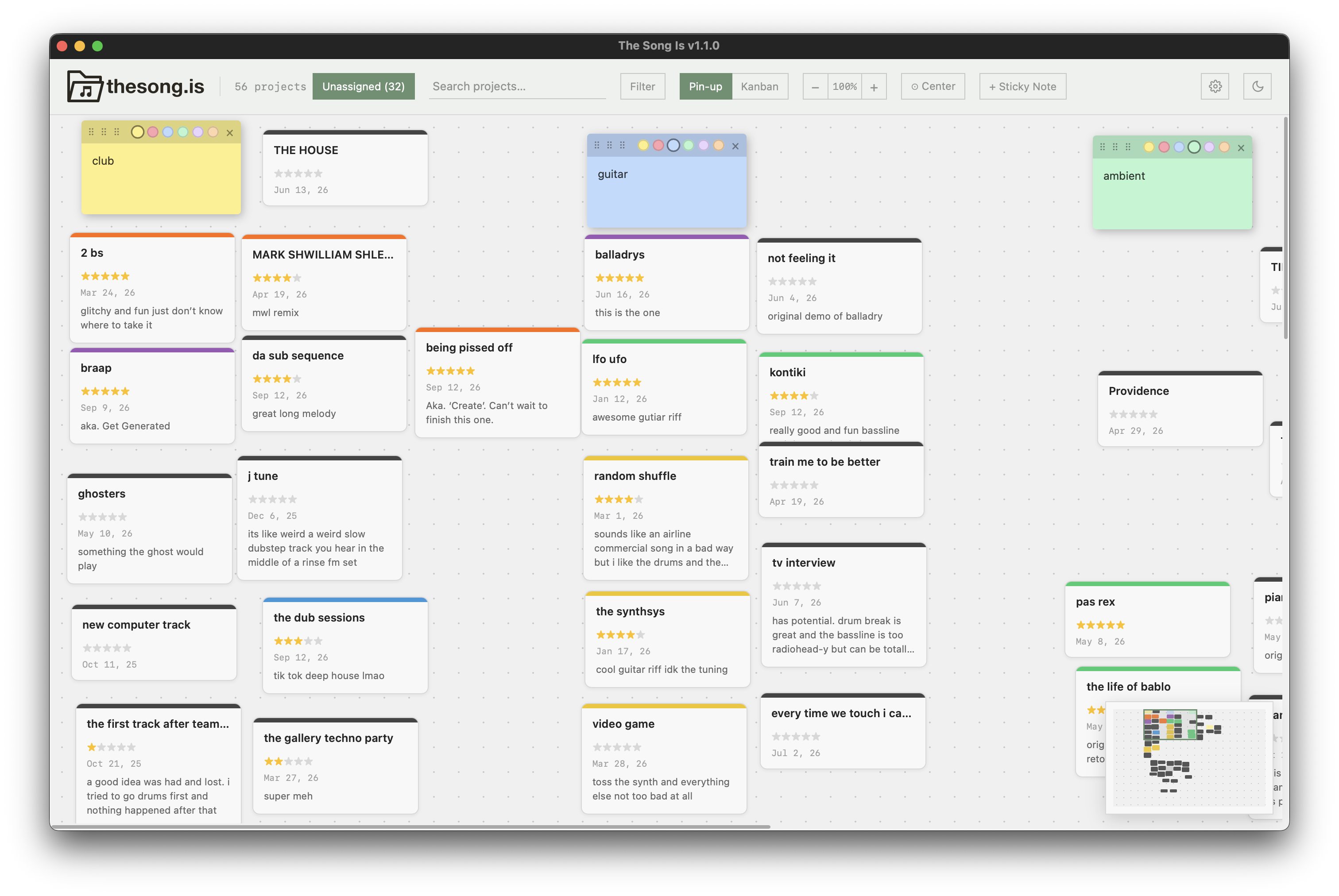
The original freeform canvas for spatial, visual organization. Existing layouts remain compatible.
Create a workflow that matches your music: “Club music,” “Guitar demos,” “Needs vocals” or “Ready to mix.”
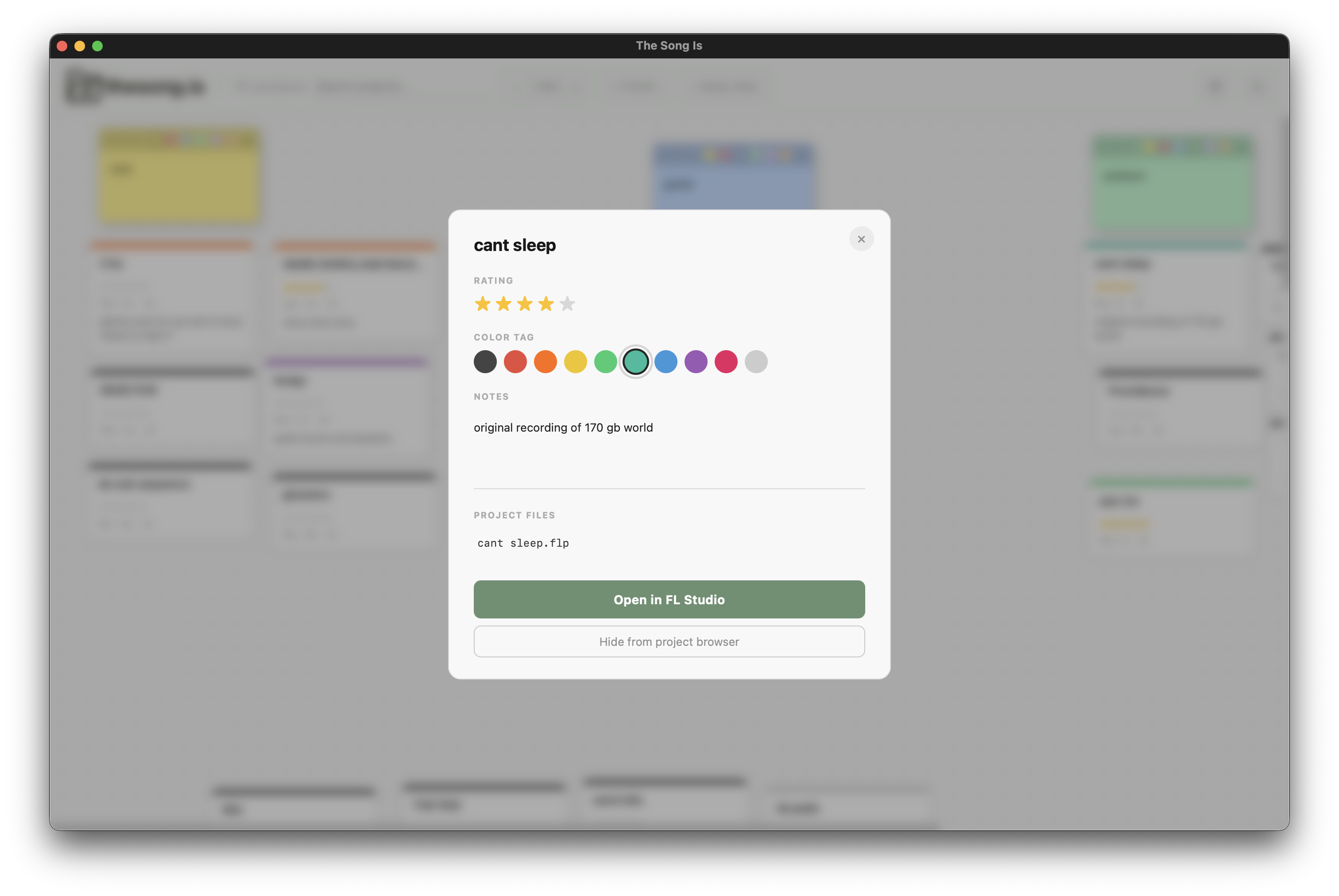
Click any project in either mode to open its rating, color, notes, project files and Kanban assignment.
Select your DAW and one or more project folders during setup. The app understands both project folders and DAWs that keep project files or packages directly in a library folder.
Support means The Song Is recognizes these project formats. This experimental app has not been exhaustively tested with every DAW, operating system and computer combination.
Newly discovered projects and projects without a Kanban column live in one list. New items are clearly marked and open into project details.
Cards, stickies and the viewport update as you scroll, zoom, filter, drag, resize and edit. Click to jump or hold and drag the viewport continuously.
Filter by one or more colors, an exact rating, unrated projects, projects with notes or a missing main project file, alongside search.
Rate, color-tag and annotate a song, inspect its project files, assign its Kanban column and open it in your selected DAW.
Ratings, notes, colors, positions, stickies and Kanban organization stay locally on your computer. No account required.
Save your organization to a JSON file and restore it later. Your actual DAW project files are never deleted by the app.
Download the latest free macOS or Windows build above, or build it yourself from the source code. Follow the instructions to install.
On macOS, move The Song Is to Applications and open it. If macOS blocks it, go to System Settings → Privacy & Security, scroll to Security, click Open Anyway, then confirm. On Windows, extract the ZIP and run The Song Is; if SmartScreen appears, choose More info → Run anyway.
Select one of the 19 recognized DAWs, then point the app at one or more project folders. Projects may be folders, individual project files or project packages, depending on the DAW.
Start with a freeform canvas or custom columns. You can switch whenever you like without losing either layout.
Move, search, filter, rate, color-tag and annotate projects. Click a project when you want to open it in your DAW.
The Song Is is a local project organizer. It reads the information needed to list and open your projects, but it does not delete them.
Yes. It's a weekend project I made for myself and wanted to share. I want to be transparent about that in case it's a turn-off when deciding whether to use the program.
Go to System Settings → Privacy & Security, scroll to Security, click Open Anyway, then confirm. You only need to do this once.
Download and extract the ZIP, then run the included The Song Is executable. If SmartScreen appears, click More info → Run anyway.
Mac: ~/Library/Application Support/The Song Is/data.json
Windows: %APPDATA%\The Song Is\data.json
No. An existing library becomes the initial baseline, so the Unassigned inbox does not rearrange your current layout.
The column is removed and its projects return to Unassigned. Their files are not changed or deleted.
Yes. Switch at any time; each mode keeps its own organization.
Yes, open an issue or pull request on GitHub.
Got a feature idea? Email me! problem.industries@gmail.com